Your recent files, one click away
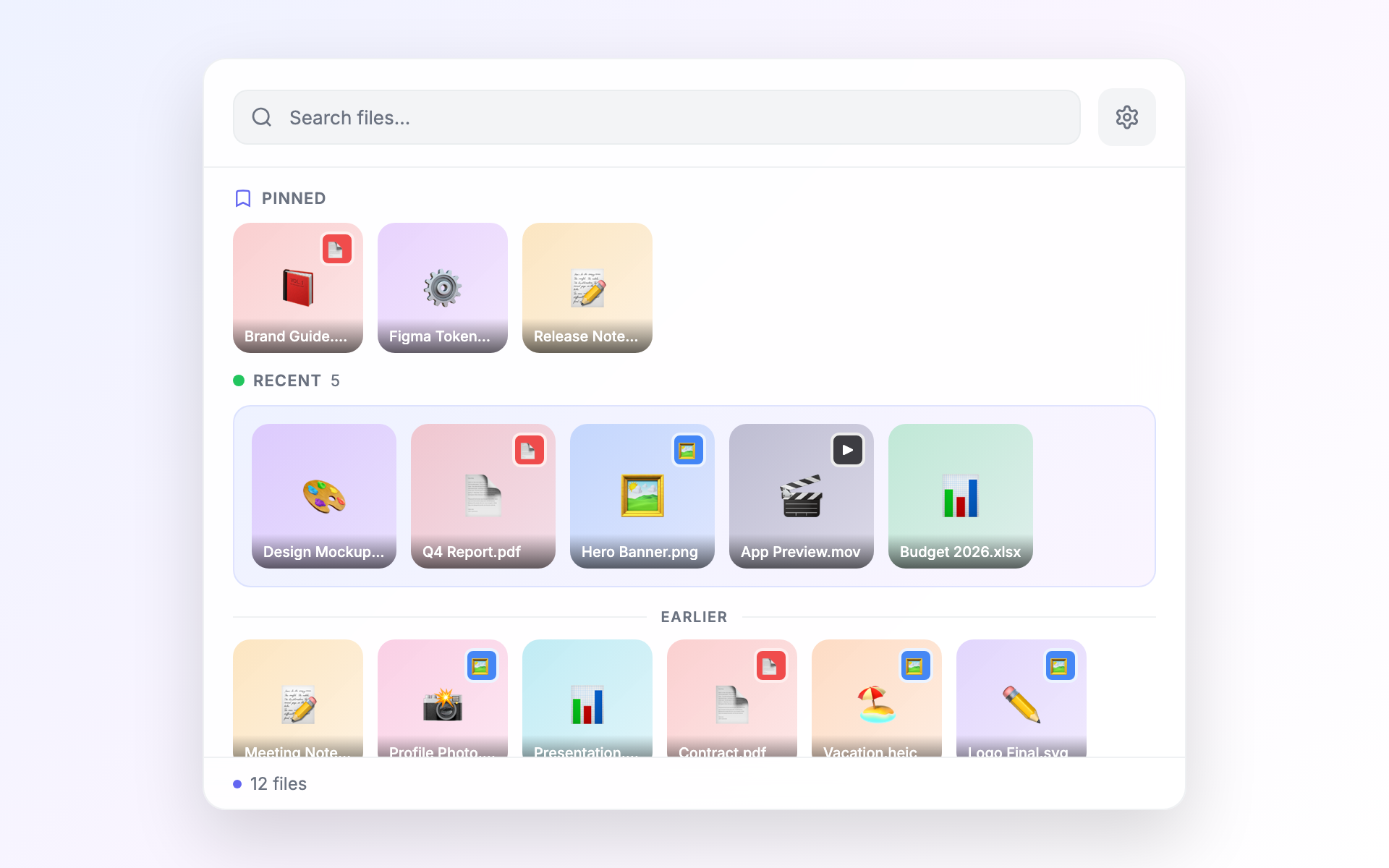
A floating panel in your menu bar with instant access to recent files. Drag them anywhere, preview with Quick Look, or collect files across folders.
No credit card required
Everything you need, nothing you don't
Float is a focused tool. Every feature earns its place.
Always one click away
Float sits in your menu bar. Click the icon or use a keyboard shortcut to see your recent files instantly — no Finder needed.
Drag files anywhere
Grab a file from Float and drop it into any app — an email, a chat, a document. It just works.
Collect files across folders
Pick files from different places and gather them together. Then zip them, copy their paths, or drag them as a batch.
Preview without opening
Press Space to Quick Look any file right from Float. Hover over images for a quick peek.
Pin your favorites
Pin files you come back to again and again. They stay at the top of Float no matter which folder you're browsing.
Same Float, every workspace
Switch desktops or spaces freely — Float follows you everywhere with the same files, pins, and staging bar ready to go.
Built for speed and reliability
Native macOS APIs, real-time file watching, background thumbnail generation. Zero Electron.
See it in action
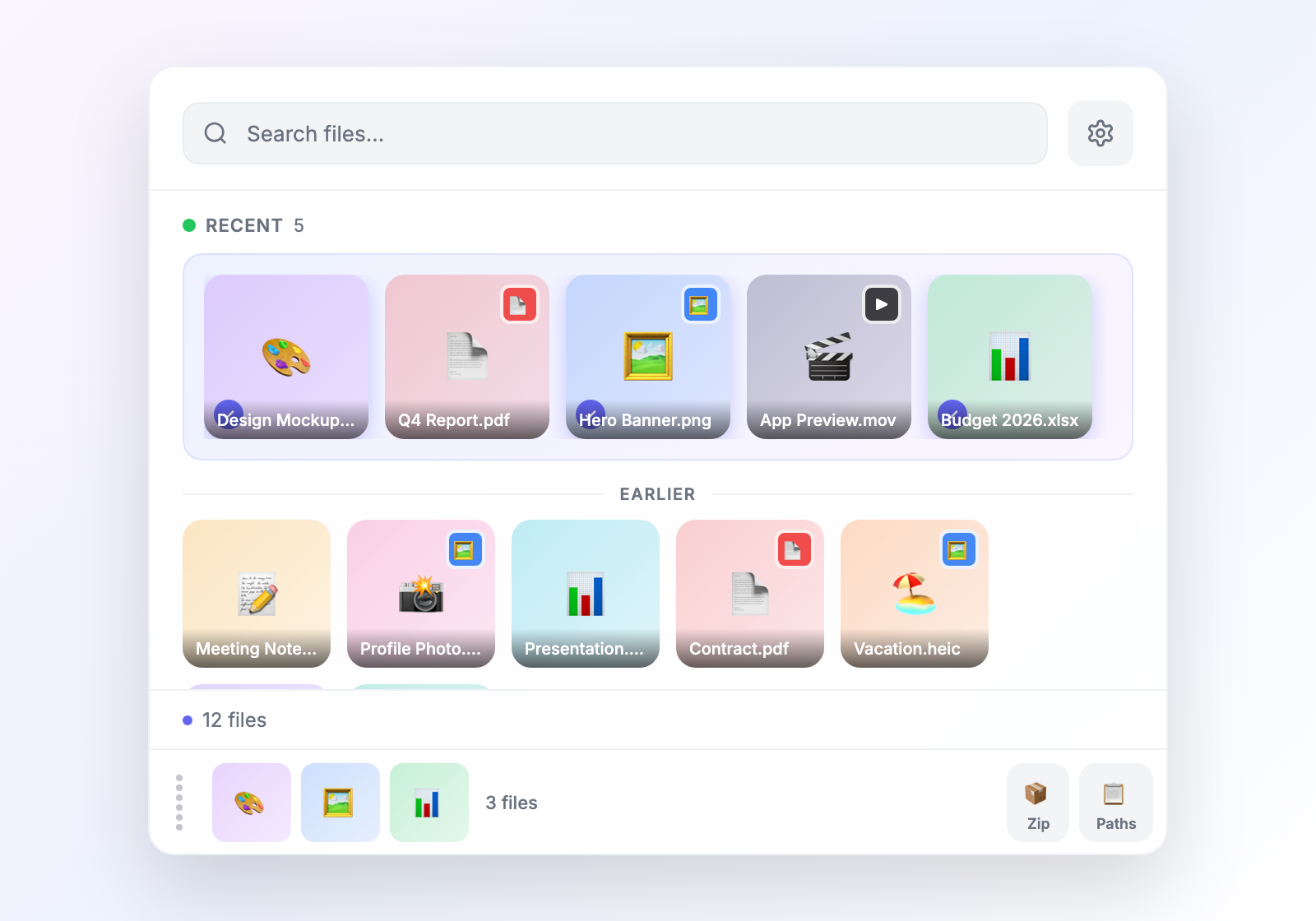
Collect from anywhere
Pick files from different folders, gather them in the staging bar, then zip, copy paths, or drag them as a batch.
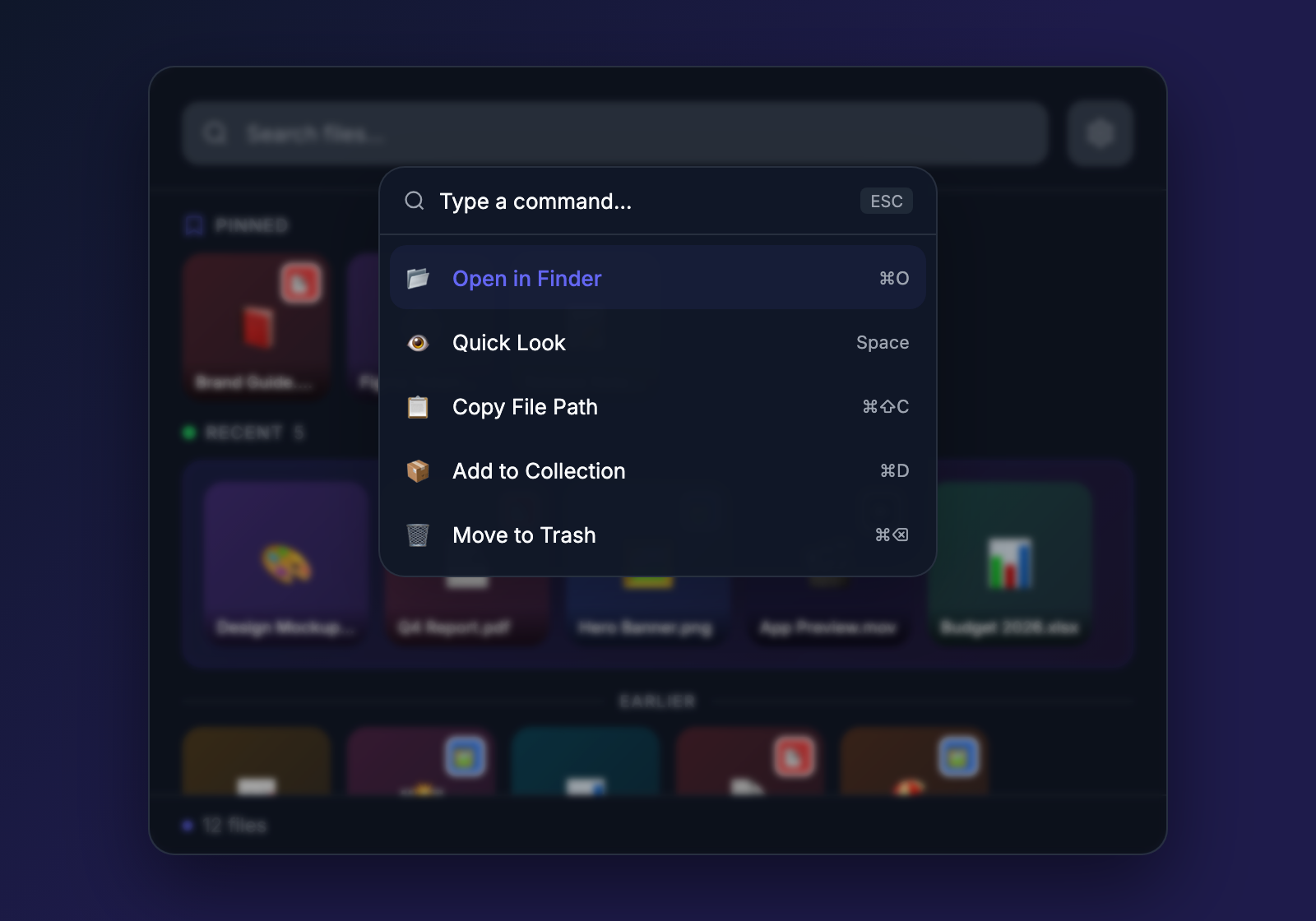
Keyboard-first workflow
Press Cmd+K to search files, run actions, and navigate — all without touching the mouse.
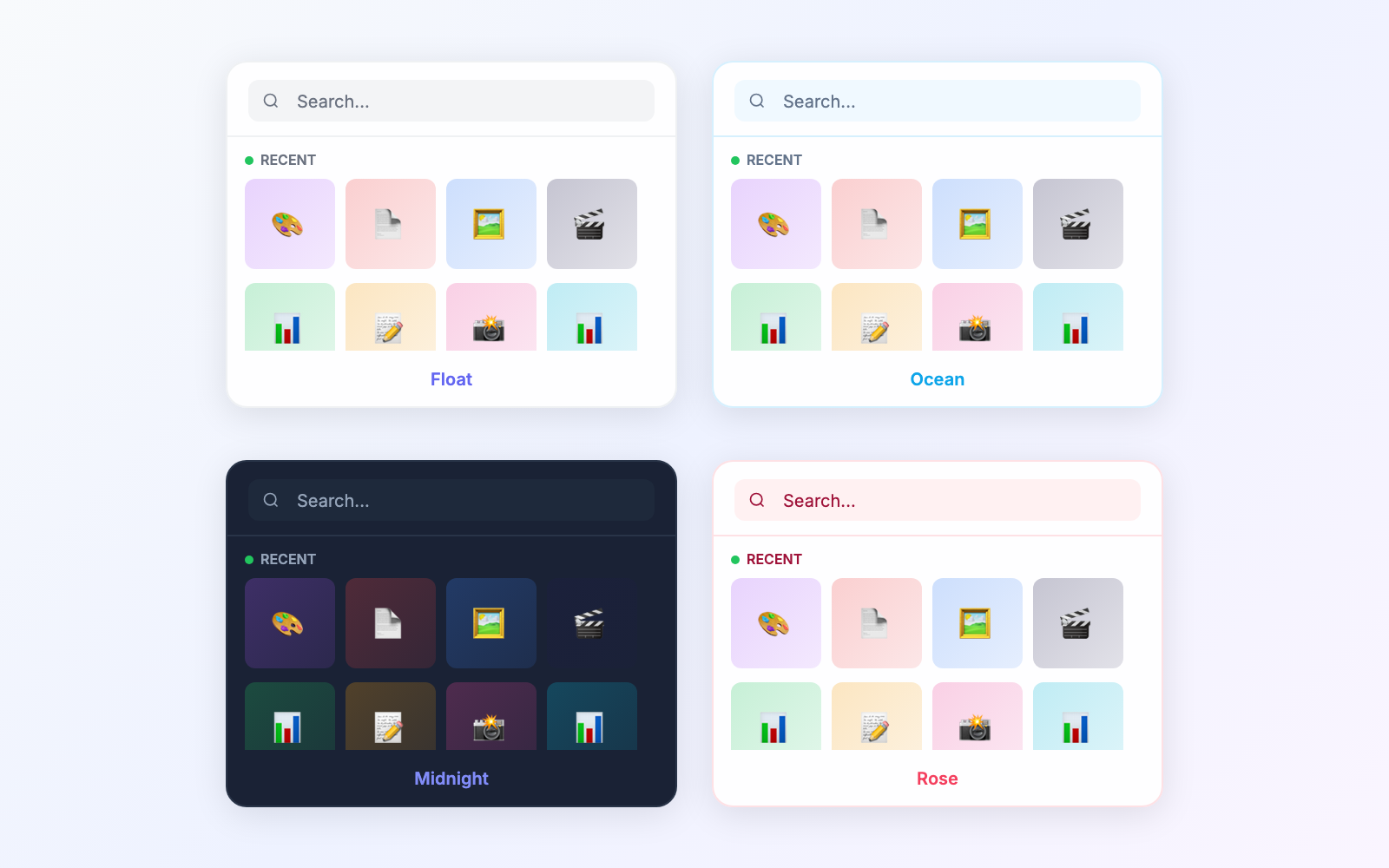
12 beautiful themes
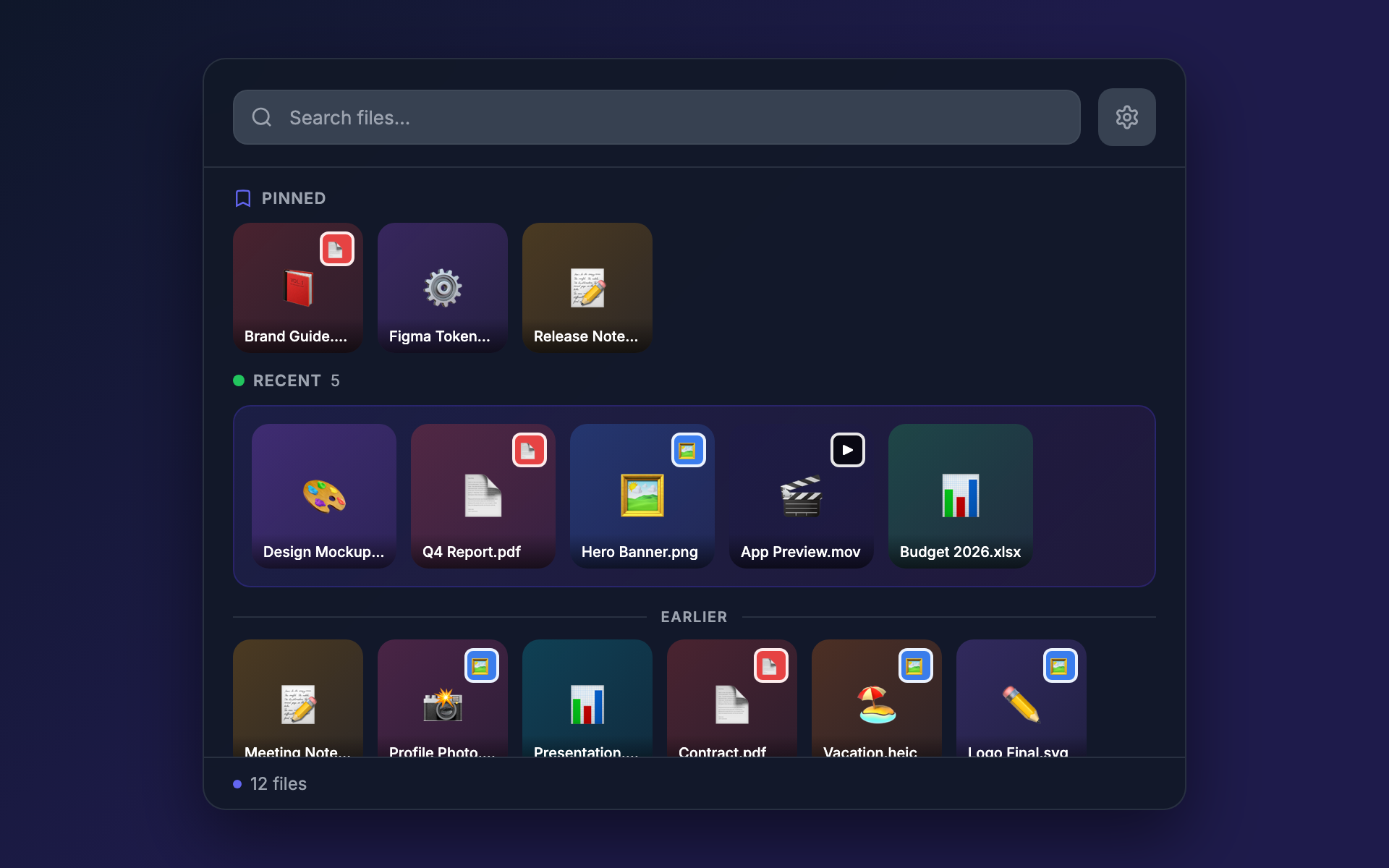
Six for day, six for night. Themes sync with macOS dark mode automatically, or pick your favorites manually.
Simple, honest pricing
One purchase. No subscriptions.
Start with a free 45-day trial — no credit card, no account needed.
Standard
One year of updates. Keep your version forever.
Buy Standard- Drag & drop, staging, Quick Look
- Command Bar (Cmd+K)
- Pin files across folders
- 12 themes with dark mode sync
- 1 year of updates included
- 3 machines per license
- Keep your version forever
Lifetime
Everything, forever. One payment.
Buy Lifetime- Everything in Standard
- All future updates forever
- 3 machines per license
Coming soon
- OCR text extraction from images
- Smart folder rules and filters
- Image quick actions (resize, convert, strip metadata)
- Clipboard history integration
What's new
- Coach marks: contextual feature education with 10 tips that appear as you explore
- Feature Tour: guided walkthrough of all features via the "?" button
- Settings Tour: context-aware "?" button highlights each settings section
- Eliminate macOS Keychain prompts on install and update
- Native CGImageSource thumbnails with recursive folder scanning
- Fix Website and Contact Us links not opening in external browser
- Fix toast spacing overlap with bottom bar
- Fix zip compression failures
- Fix Staging History modal overflow and scrolling
- Website and Contact Us links in Settings
- Fix squared shadow artifact at bottom corners on light backgrounds
- Add PR preview deployment workflow for website
Ready to try Float?
Download Float and try it free for 45 days. No account needed.
Try Free for 45 DaysRequires macOS 10.15 or later. Apple Silicon and Intel.