Purchase Float
One purchase, no subscriptions. Try free for 14 days before you decide.
How it works
1. Download
Install Float and use it free for 14 days. No account or credit card needed.
Requires macOS 11+ · Apple Silicon (M1 or later)
2. Purchase
Secure checkout via LemonSqueezy. You'll receive a license key by email.
3. Activate
Open Float → Settings → License, paste your key, and you're done. Works on up to 3 Macs.
Simple, honest pricing
One purchase. No subscriptions.
Float
One purchase. Yours forever.
14-day free trial · No account needed
14-day money-back guarantee
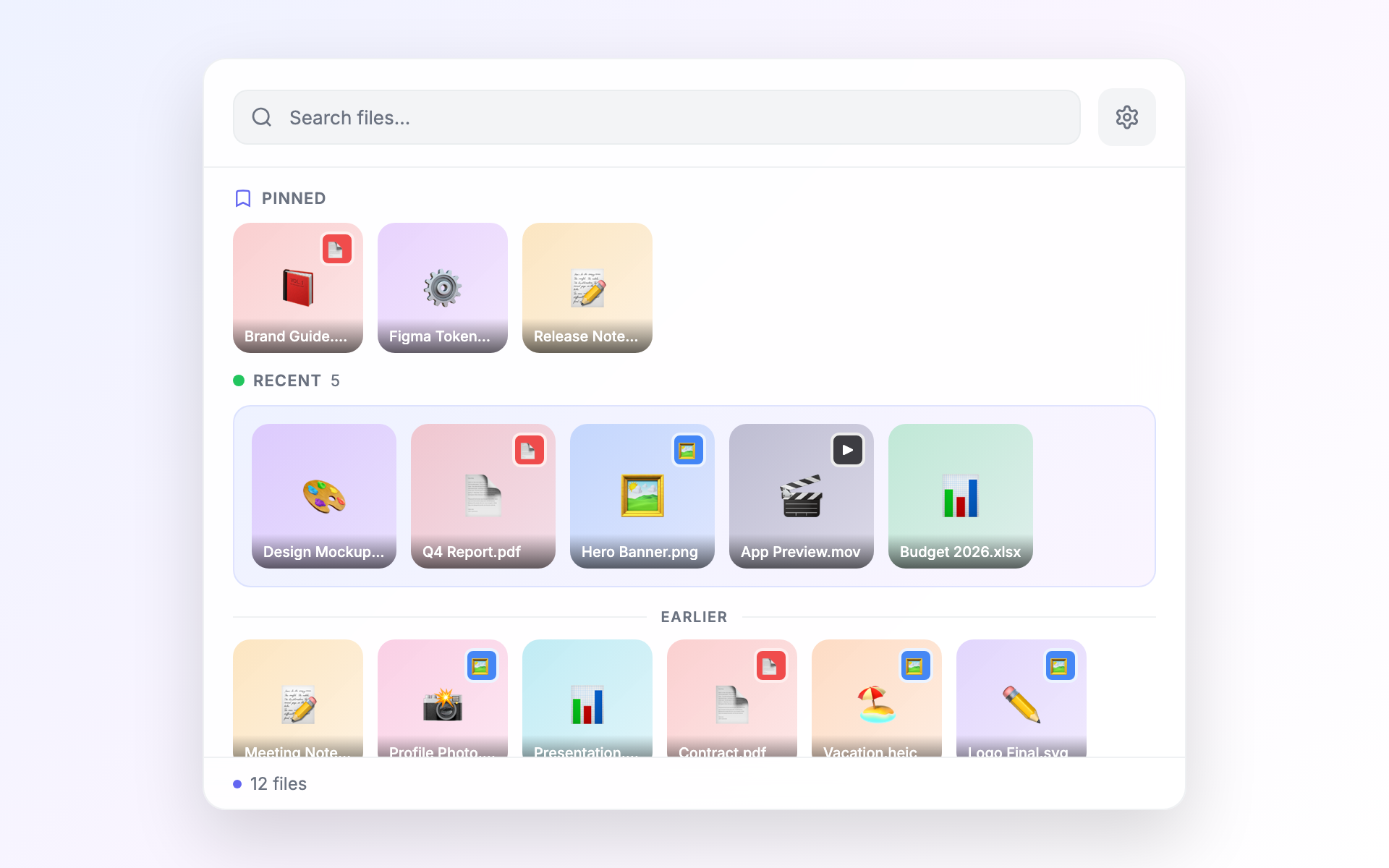
- Watch any folder under your home directory — recursive or flat
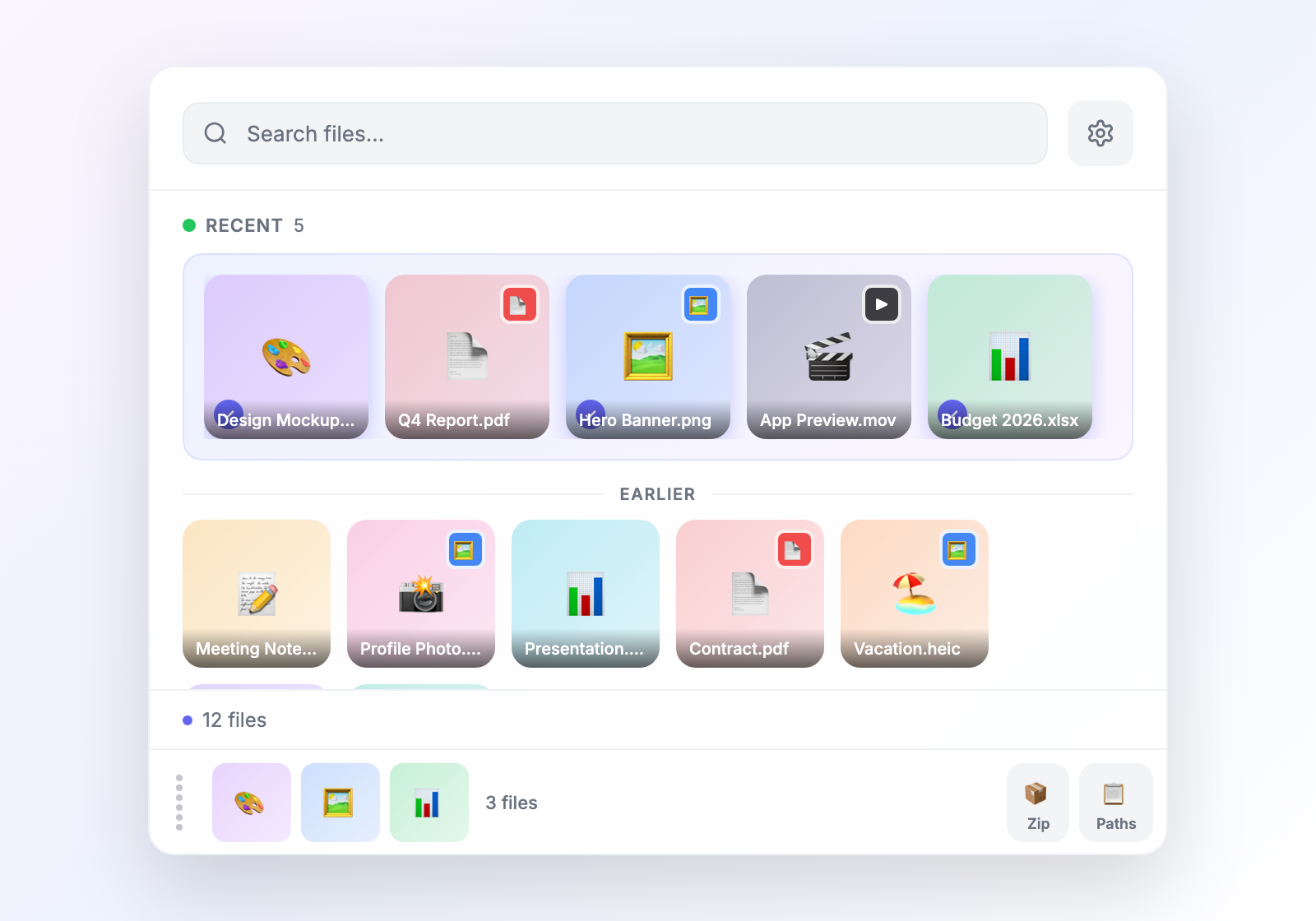
- Stage files from different folders and drag them as a batch
- Press Enter to preview anything inline — images, PDFs, docs
- Extract text from any image or PDF in one click
- Search and run actions from a ⌘K command bar
- Pin the files you reach for most to the top
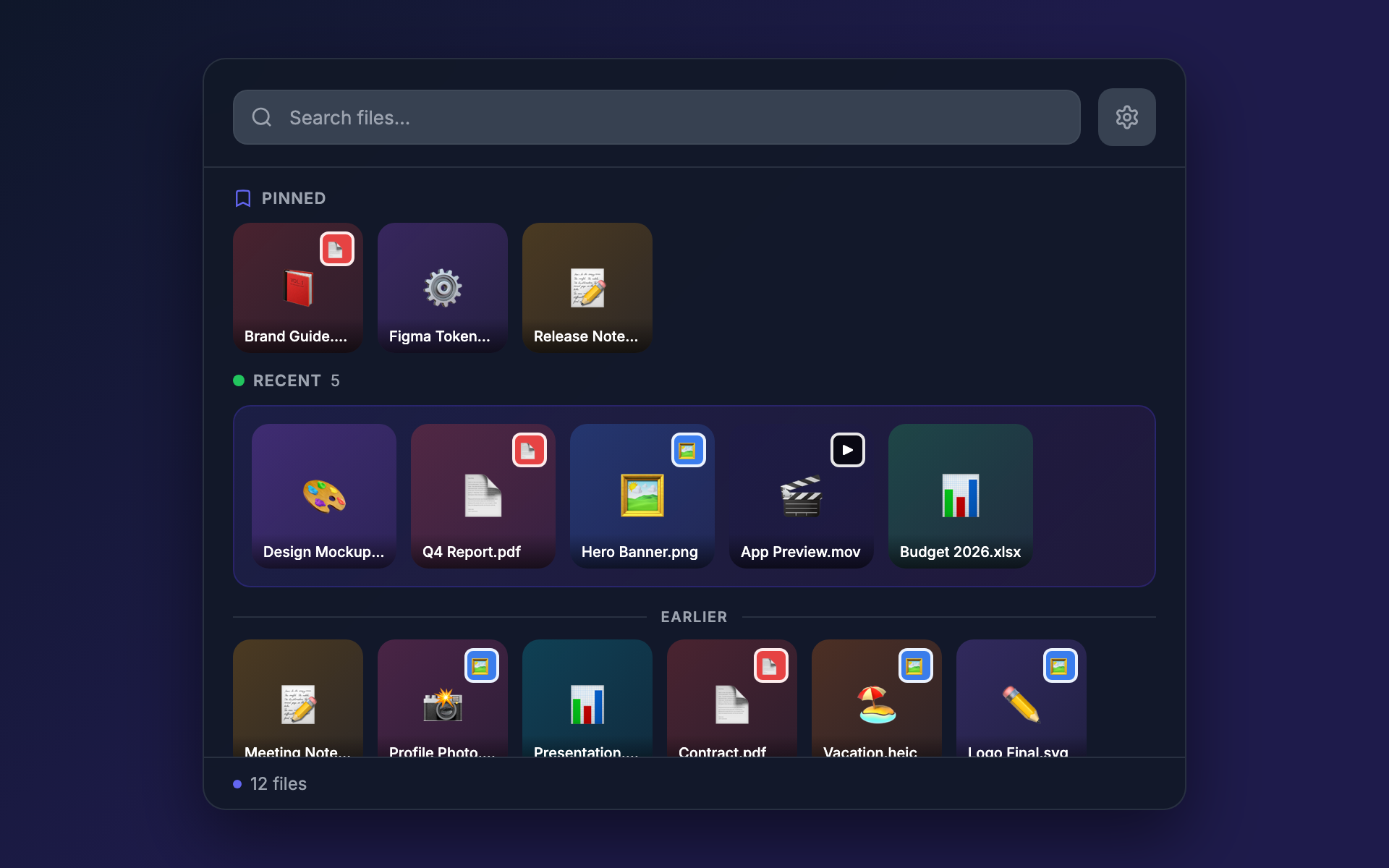
- 12 themes for day and night, automatic dark-mode sync
- Localized in English, Spanish, French, German, Japanese, and Chinese
- Every future feature included — no upgrade fees
- Use on up to 3 Macs, swap a slot anytime from Settings
See it in action
Float floats above any app, including fullscreen ones. Drag files into anything, then dismiss the panel and stay in your work.
What you get

License details
Permanent license
Every new feature we build is included — your license grows with Float.
3 machines
Use one license key on up to 3 Macs. Deactivate a machine anytime from Settings to free up a slot.
No account required
No sign-up, no login. Your license key is all you need. Keep it somewhere safe.
Secure payment
Payments are handled by LemonSqueezy, a trusted merchant of record. We never see your card details.
Common questions
What happens after the 14-day trial?
Can I switch machines?
Do you offer refunds?
Need multiple licenses?
Contact us for volume pricing for teams and organizations.
hello@filefloat.app